Skip to content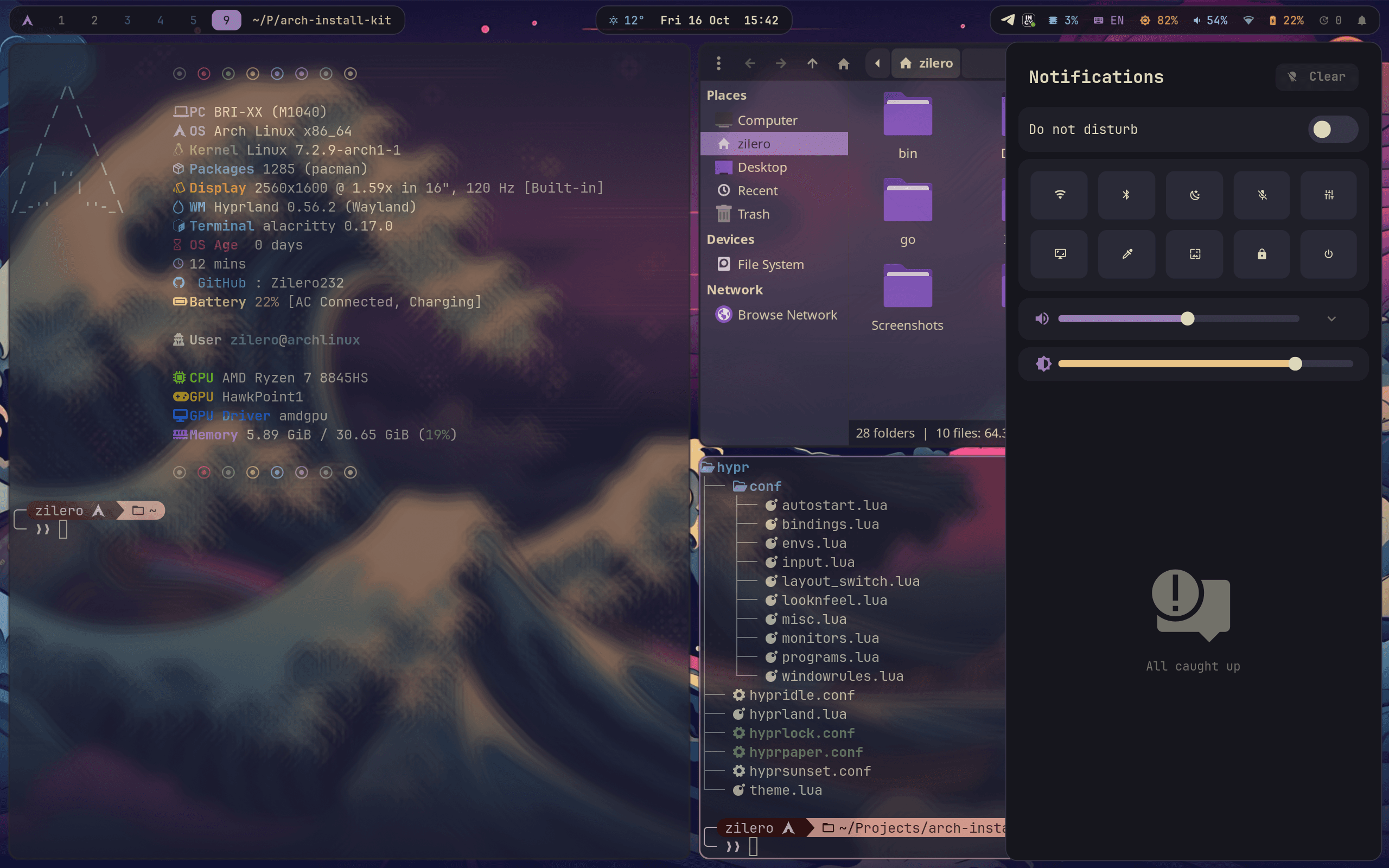
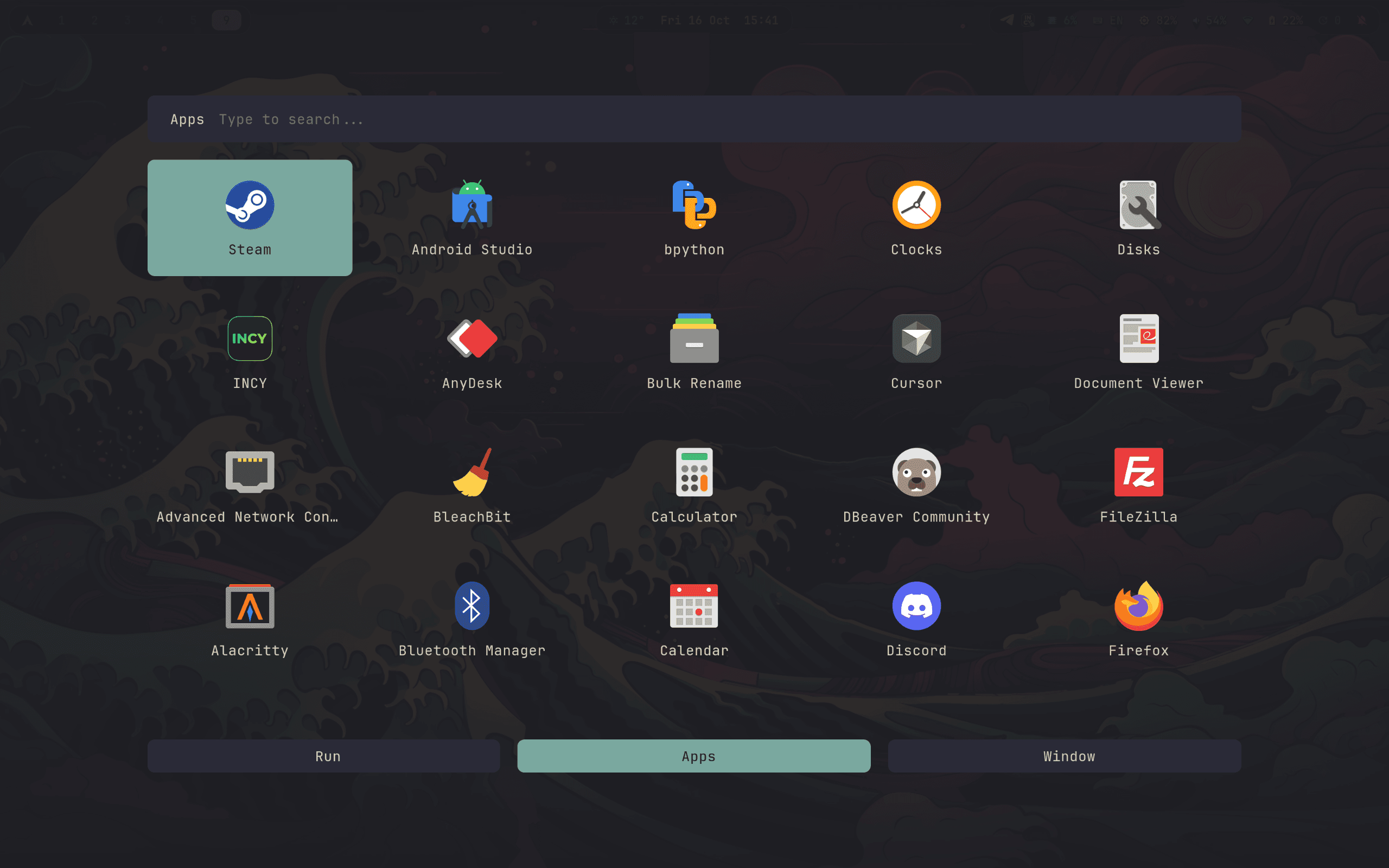
Rofi launcher 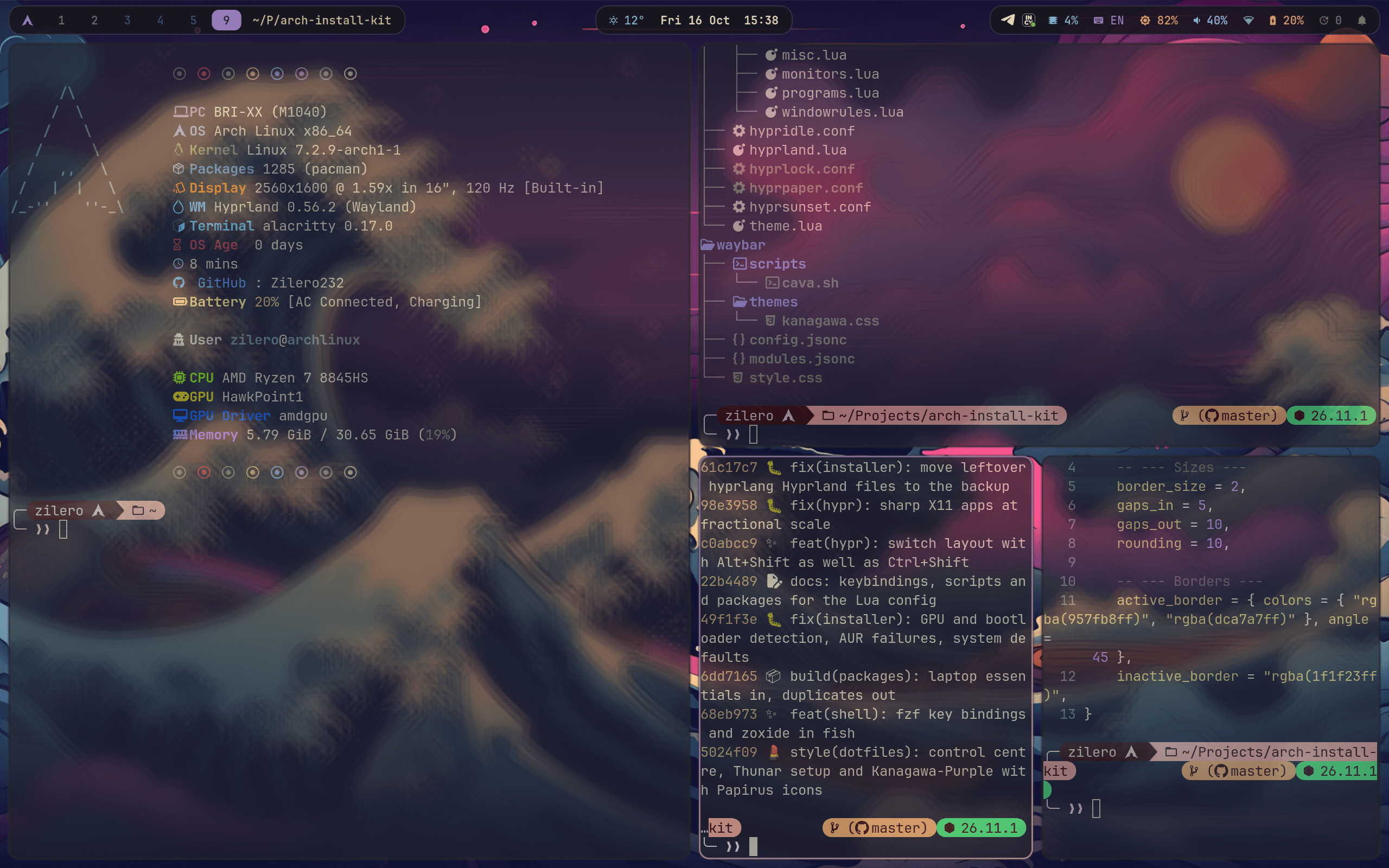
Tiled terminals 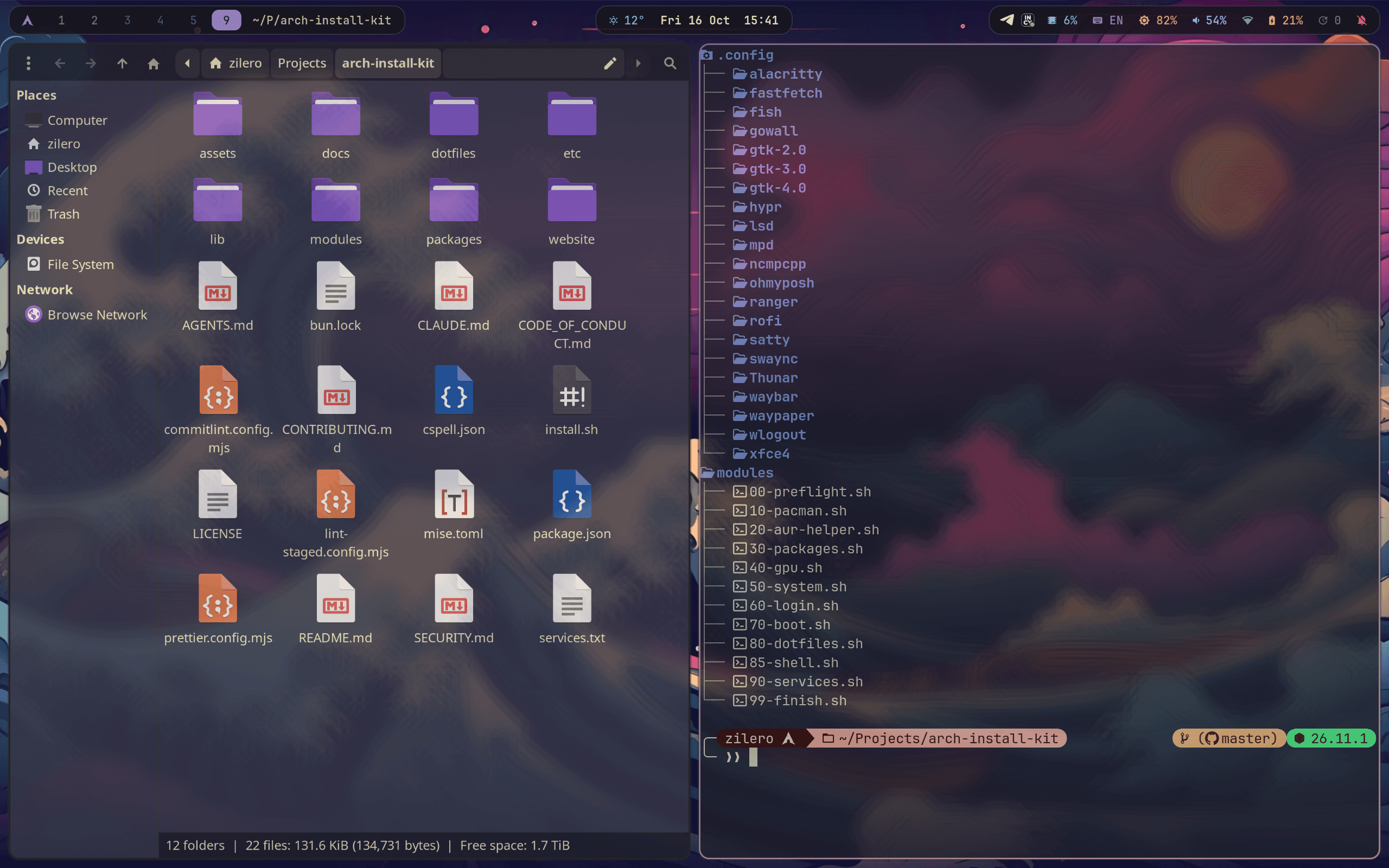
Thunar 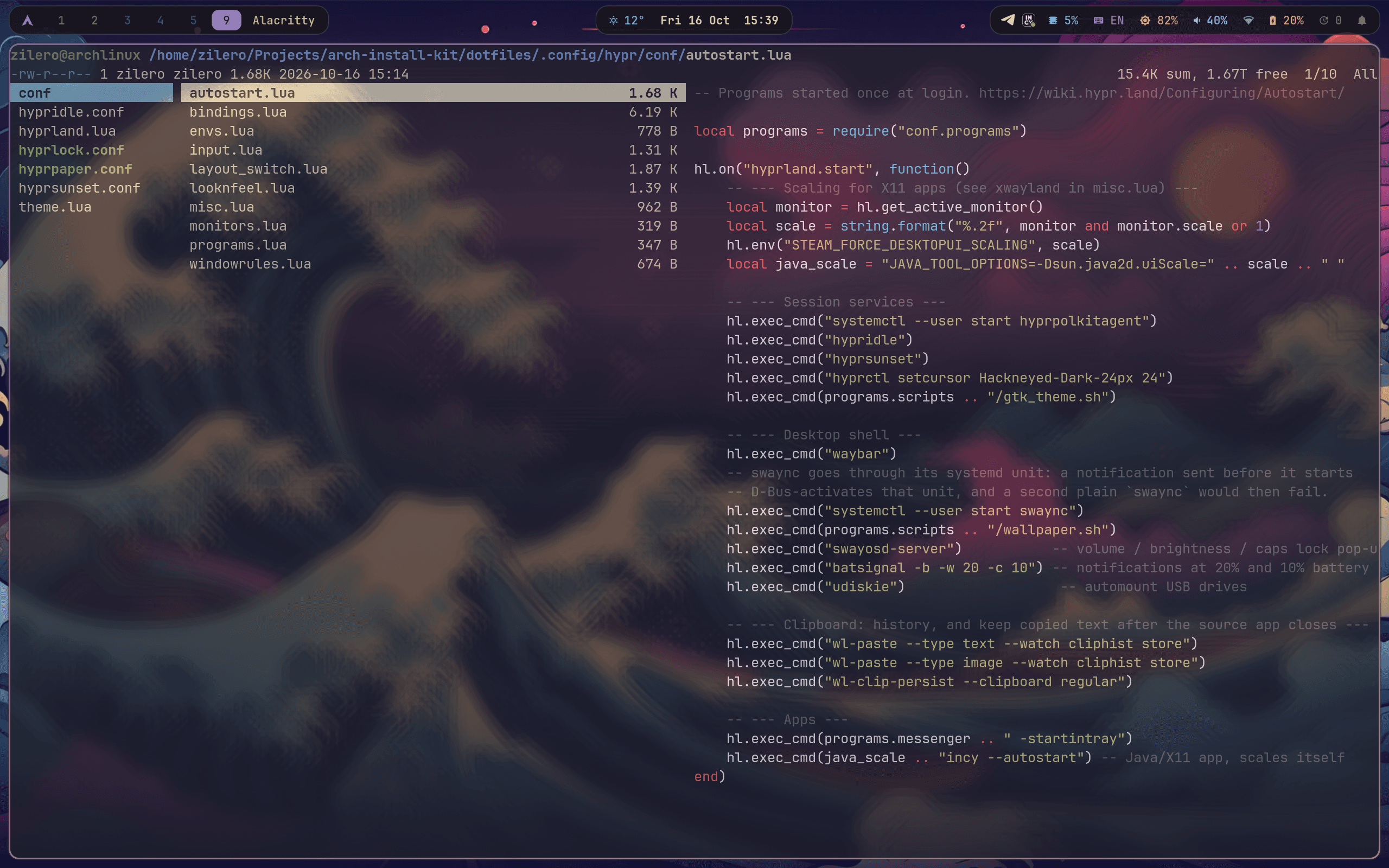
Ranger with image previews 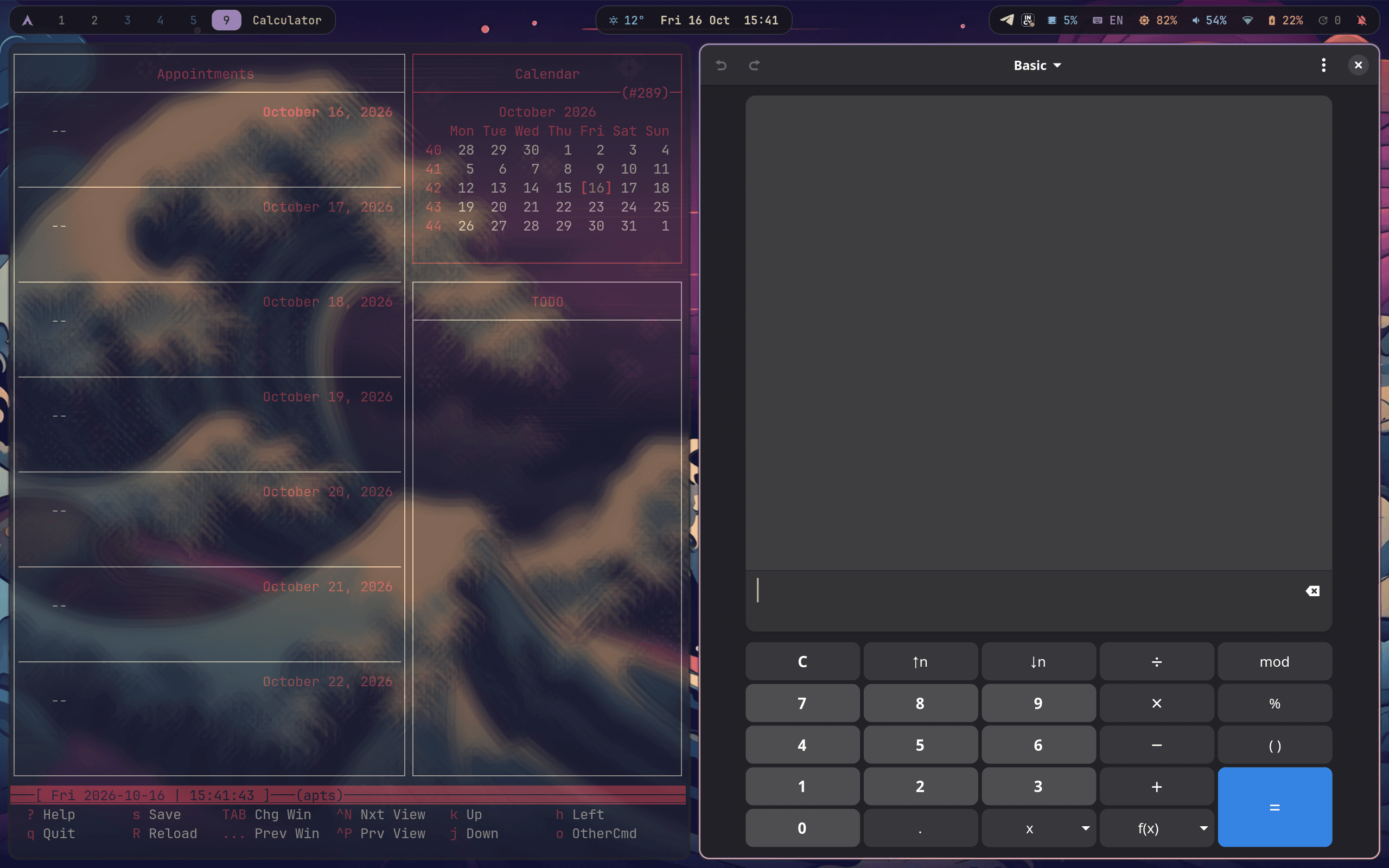
Calendar and calculator 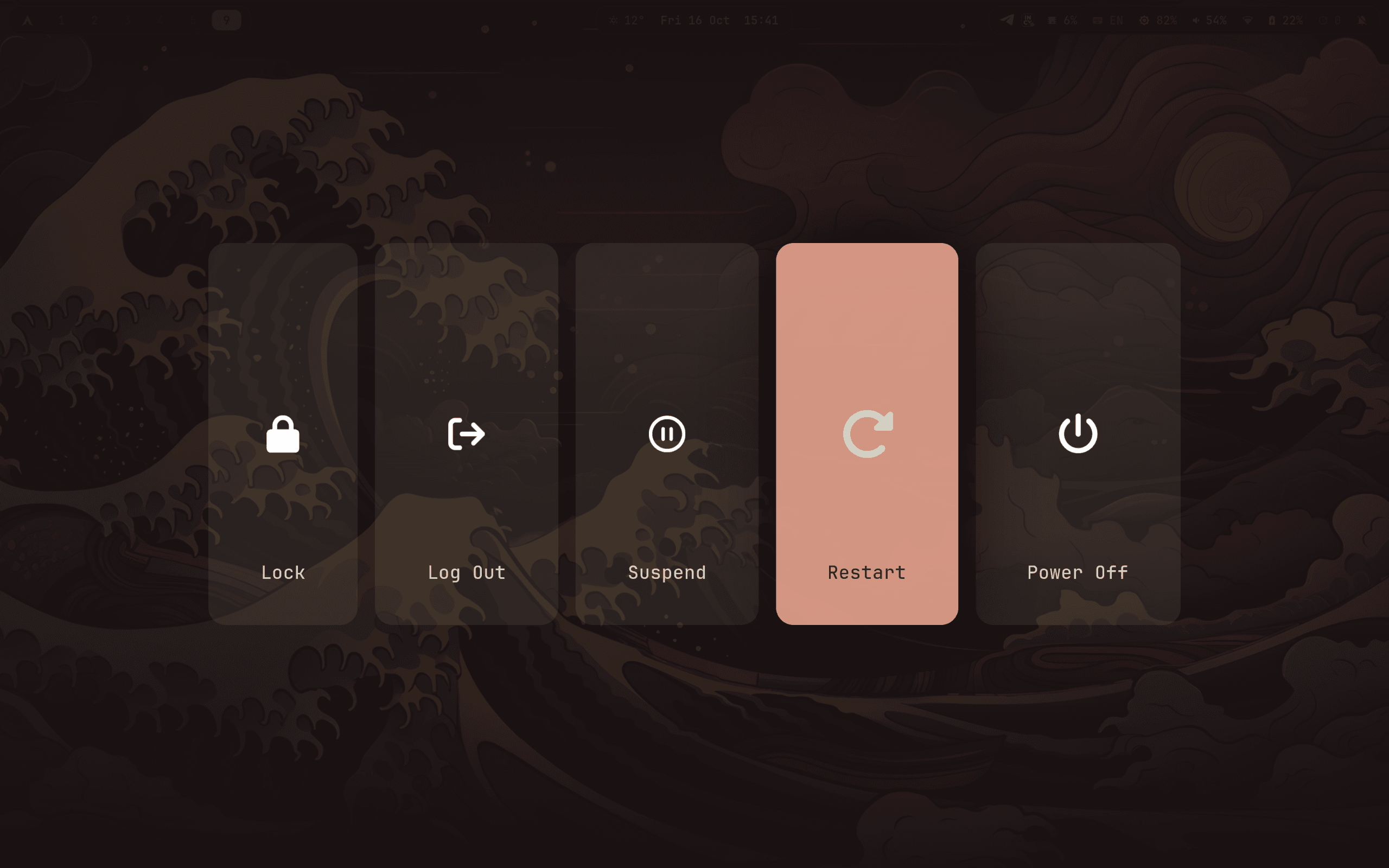
Power menu

From a blank Arch install to a finished Hyprland desktop
One script installs the packages, drivers and Kanagawa-themed configs, sets up login and boot, and can be run again whenever you like.
Already on Arch?
Run this as your user on a fresh install with the Minimal profile.
sudo pacman -S --needed git
git clone --depth 1 https://github.com/Zilero232/arch-install-kit.git ~/arch-install-kit
cd ~/arch-install-kit && ./install.shWhat you get
- Hyprland
- Tiling compositor with hyprlock, hypridle, hyprpaper and hyprsunset. Every keybinding has a description.
- Waybar
- Workspaces, weather, pending updates, an audio visualizer, network and Bluetooth.
- Rofi
- Apps, calculator, emoji and clipboard history from one launcher.
- Fish + Alacritty
- Abbreviations, small functions, an Oh My Posh prompt and mise for tool versions.
- SDDM + Plymouth
- Astronaut login screen and a boot splash. Windows shows up in GRUB if you dual-boot.
- Safe re-runs
- System files are backed up before the first edit, replaced configs land in ~/.config-backup.
The way in
Around the desktop
MIT licensed. Fork it, change the packages and colors, make it your own setup.
Open on GitHub